AI Extract
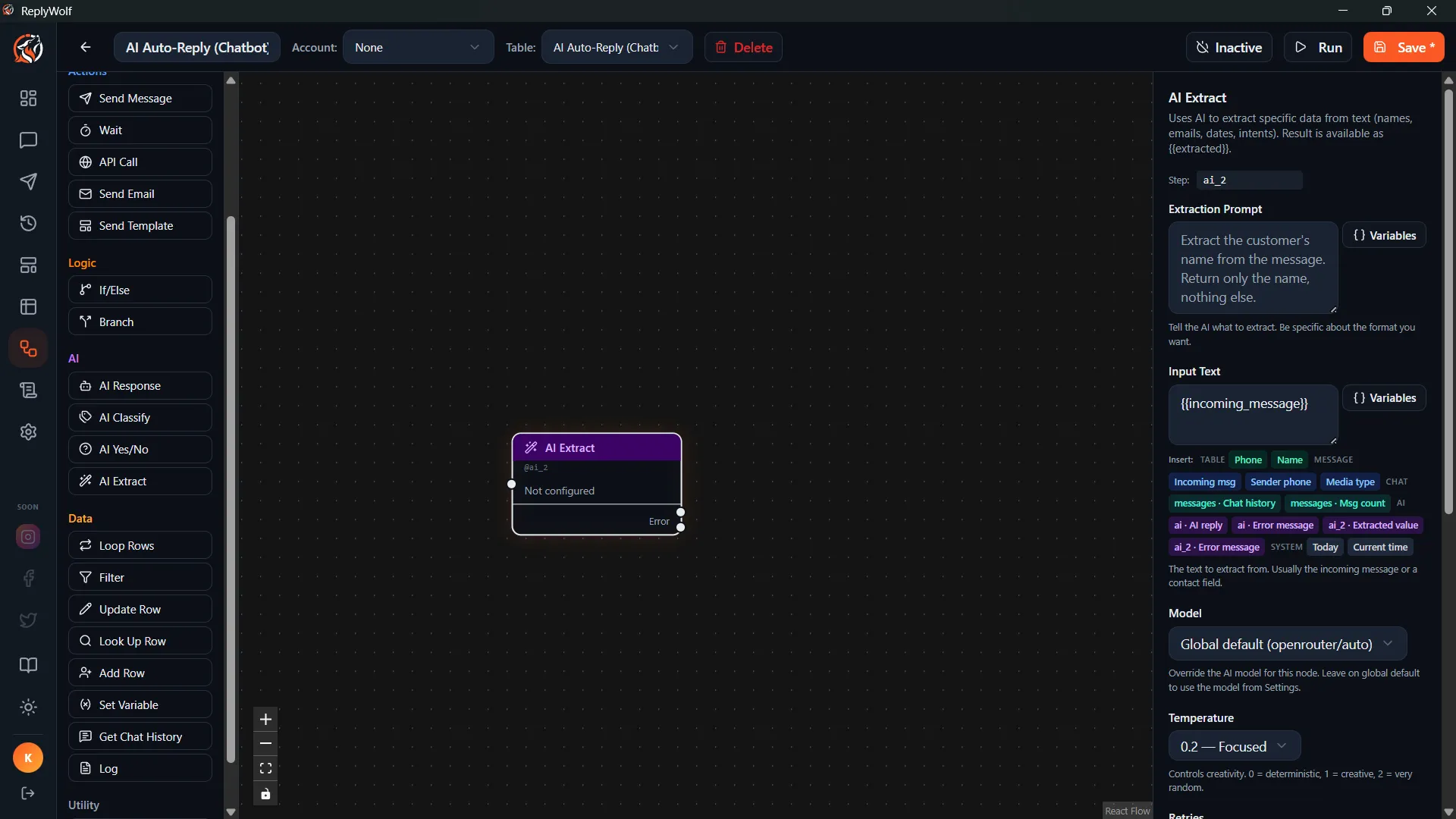
The AI Extract node pulls specific information out of text using AI. Give it a message and tell it what to find, and it returns just that piece of data.
How It Works
- You provide the source text (usually a customer message).
- You describe what to extract.
- The AI reads the text and returns only the requested information.
Configuration
Input Text
The source text to extract from. Supports {{variables}}.
Example: {{incoming_message}}
Extraction Prompt
Describe what you want to pull out of the text.
Examples:
- "Extract the customer's email address from this message"
- "Pull out the order number mentioned in this text"
- "What date or time is the customer asking about?"
- "Extract the product name the customer is asking about"
Output
The extracted value is available as {{extracted}} for downstream nodes.
Use Cases
Extract an Email Address
A customer sends: "Sure, you can reach me at john@example.com for the quote."
Set the extraction prompt to: "Extract the email address from this message."
The node outputs john@example.com as {{extracted}}, which you can then save to their contact record using an Update Contact node.
Pull Out an Order Number
A customer sends: "I need help with order #58291, it hasn't arrived yet."
Set the extraction prompt to: "Extract the order number from this message."
The node outputs 58291 as {{extracted}}.
Identify a Date
A customer sends: "Can I book an appointment for next Thursday at 2pm?"
Set the extraction prompt to: "What date and time is the customer requesting?"
The node outputs something like next Thursday at 2pm as {{extracted}}.
Tips
- Be specific about what you want. "Extract the email" is better than "Extract the important info."
- If the text might not contain what you're looking for, you can follow this node with an If/Else or AI Condition to handle cases where nothing was found.
- You can chain multiple AI Extract nodes to pull out different pieces of information from the same message.