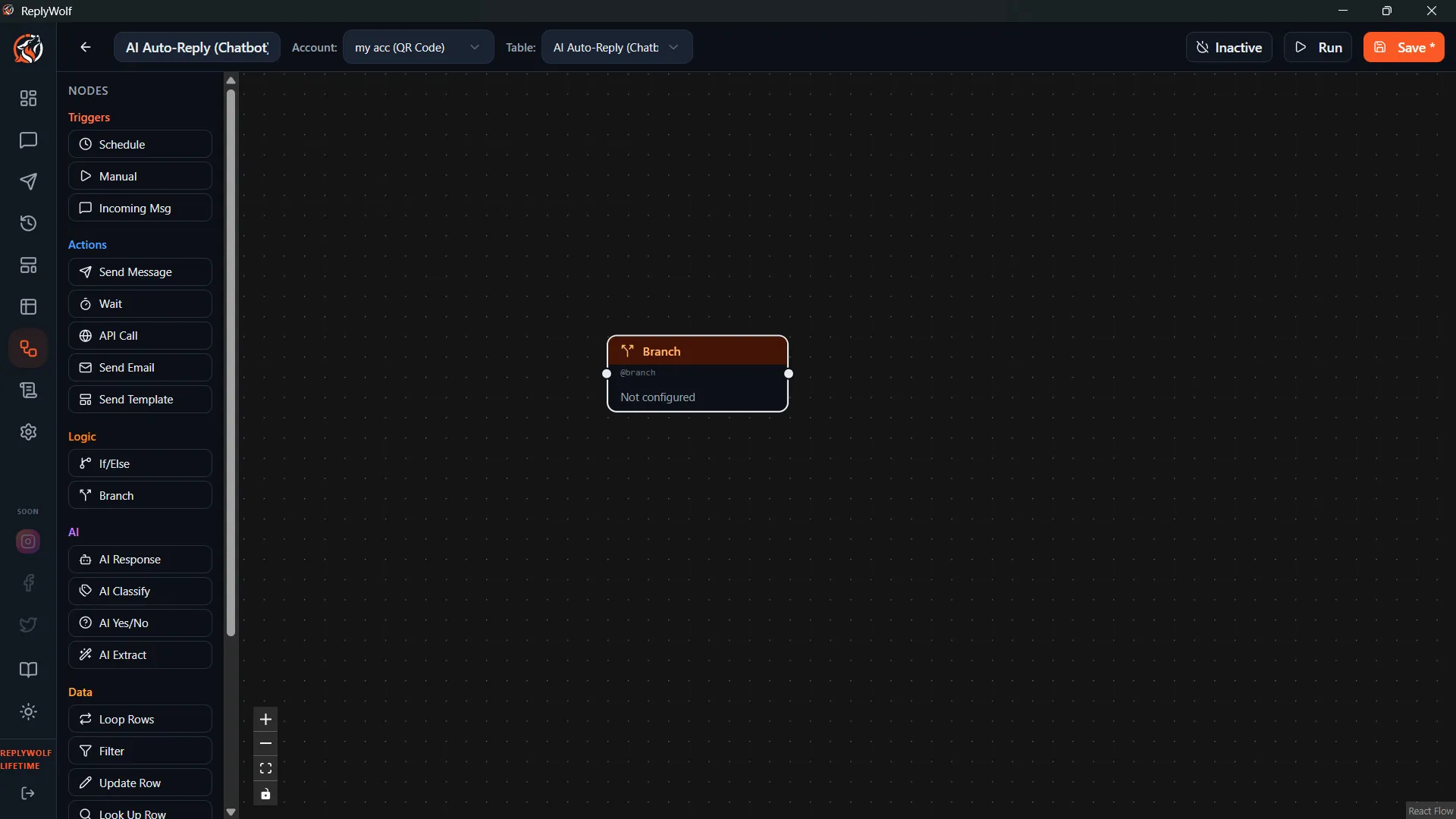
Branch (Switch)
The Branch node is a multi-way split — like a switch/case statement. Instead of just true/false, it routes the flow down one of many paths based on a field's value.
How It Works
- You pick a contact field to check.
- You define a list of possible values (cases).
- The node matches the field's value against your cases.
- The flow continues down the matching output handle.
- If nothing matches, it goes down the default handle.
Configuration
Field
The contact field to evaluate (e.g., membership_tier, status, region).
Cases
A list of values to match against. Each case creates its own output handle on the node.
Example cases for a membership_tier field:
- Gold
- Silver
- Bronze
Output Handles
One output handle per case, plus a default handle for anything that doesn't match.
Use Cases
Route by Membership Tier
Check the membership_tier field:
- Gold — send exclusive VIP offer
- Silver — send upgrade promotion
- Bronze — send loyalty rewards info
- Default — send general newsletter
Handle Multiple Statuses
Check the status field:
- new — send welcome message
- active — send product update
- inactive — send re-engagement offer
- churned — skip or send win-back campaign
- Default — log for review
Route by Region
Check the country field:
- US — send in English with USD pricing
- BR — send in Portuguese with BRL pricing
- MX — send in Spanish with MXN pricing
- Default — send generic English version
Branch vs. If/Else
| Branch | If / Else |
|---|---|
| Multiple paths | Two paths (true/false) |
| Checks one field against many values | Checks one or more conditions |
| Best for routing by category | Best for yes/no decisions |
If you only need two outcomes, If / Else is simpler. If you have three or more possible paths, Branch keeps your flow cleaner than chaining multiple If/Else nodes.
Tips
- Always connect the default handle to something, even if it's just a log or a skip. This way you'll know when a contact has an unexpected value.
- Case matching is based on the exact field value. Make sure your case values match what's actually in your data (watch for extra spaces or different capitalization).
- You can combine Branch with AI Classify upstream: let the AI classify a message, save the result to a contact field, then use Branch to route based on that classification.