Manual Trigger
The Manual Trigger is the simplest trigger type. Your flow only runs when you explicitly click Run Now in the flow editor or from the flows list.
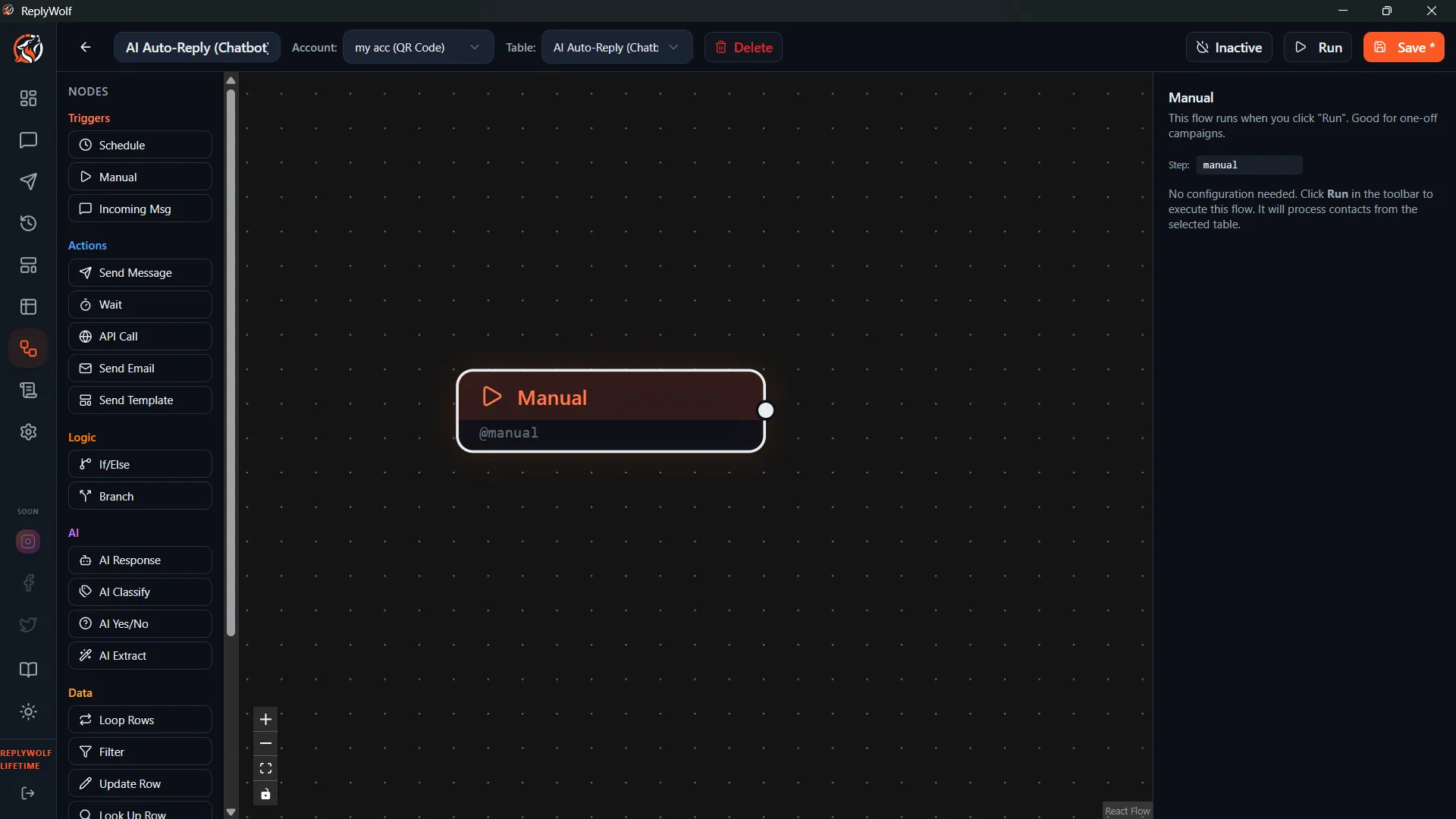
Configuration
No configuration needed. Just add the Manual Trigger node to your flow and you are good to go.
How to Run
You can start a manually triggered flow in two ways:
- From the flow editor — Open your flow and click the Run Now button.
- From the flows list — Find your flow in the list and click its Run Now button.
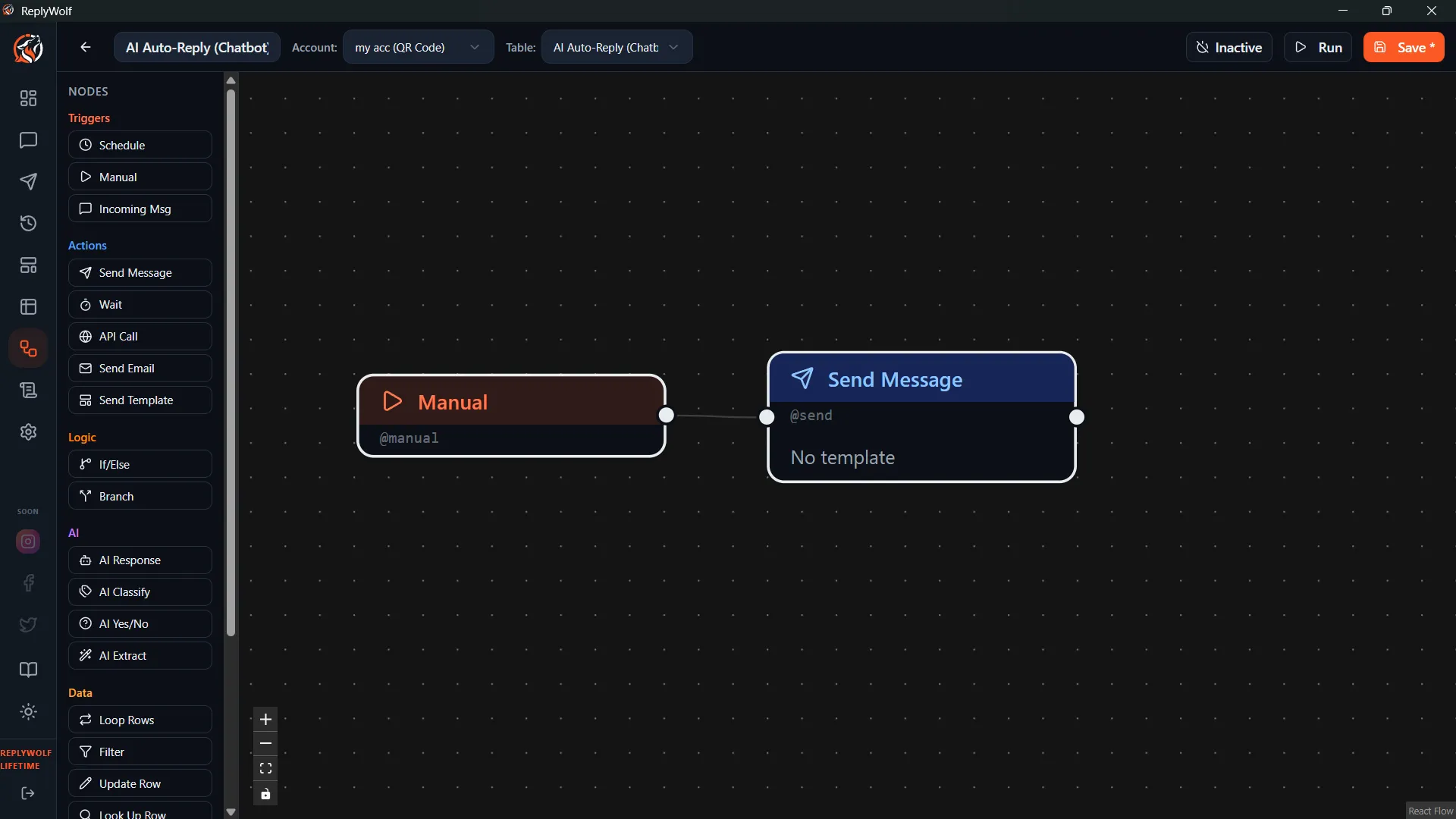
Good For
- One-time campaigns — Send a batch of messages that you do not want on a recurring schedule.
- Testing flows — Build and debug a flow before switching it to an automated trigger.
- On-demand operations — Run a flow whenever you decide the time is right, rather than on a fixed schedule.
Tips
- Manual Trigger is a great starting point while you are building a flow. Once everything works, you can swap it out for a Schedule Trigger or Incoming Message Trigger to automate it.
- If your flow uses a table, the Manual Trigger will process all contacts in that table when you click Run Now.