Send Email
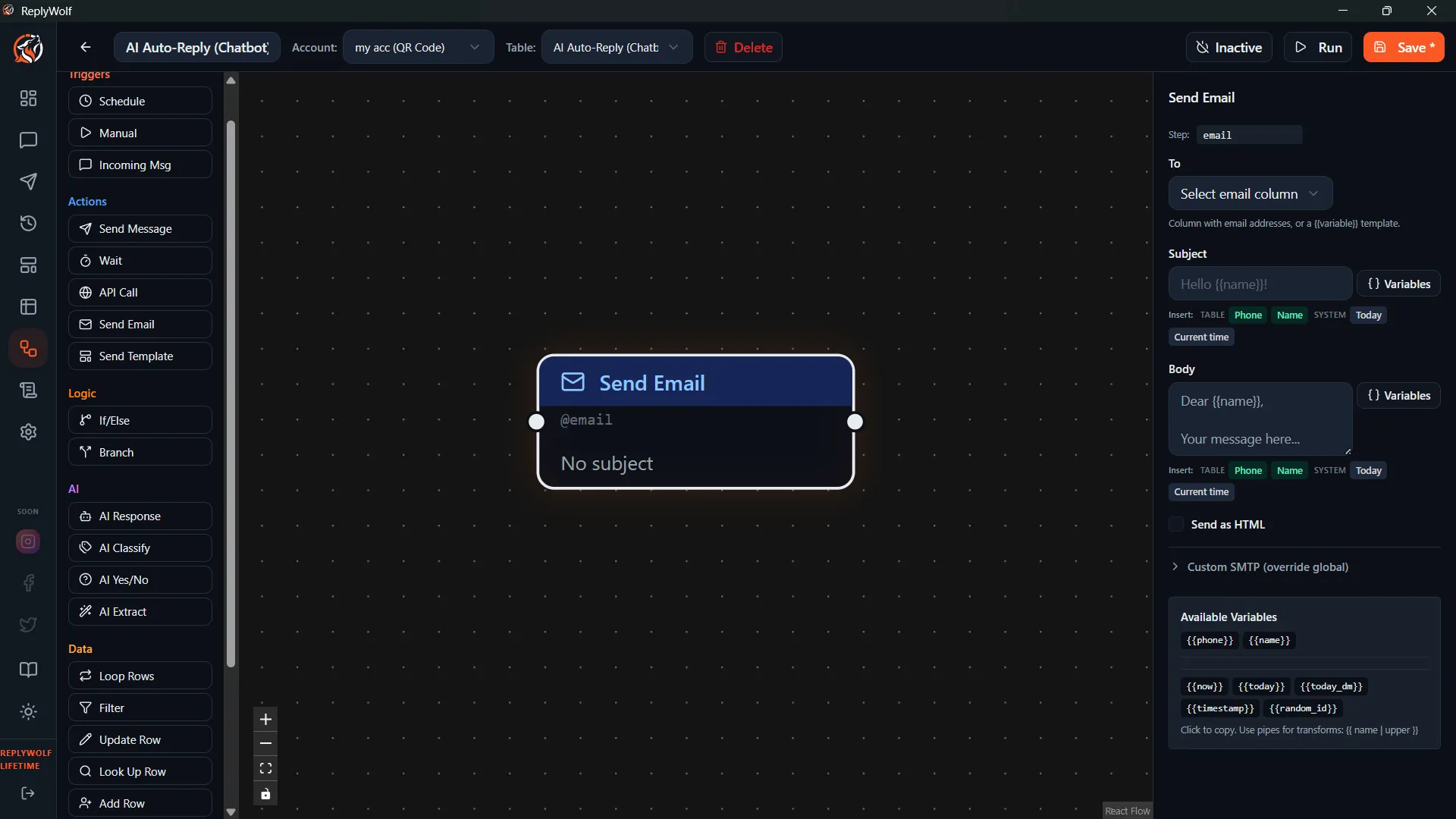
The Send Email node sends an email via SMTP. It lets you combine WhatsApp messaging with email notifications — perfect for alerting your team, sending reports, or reaching contacts on a second channel.
Prerequisites
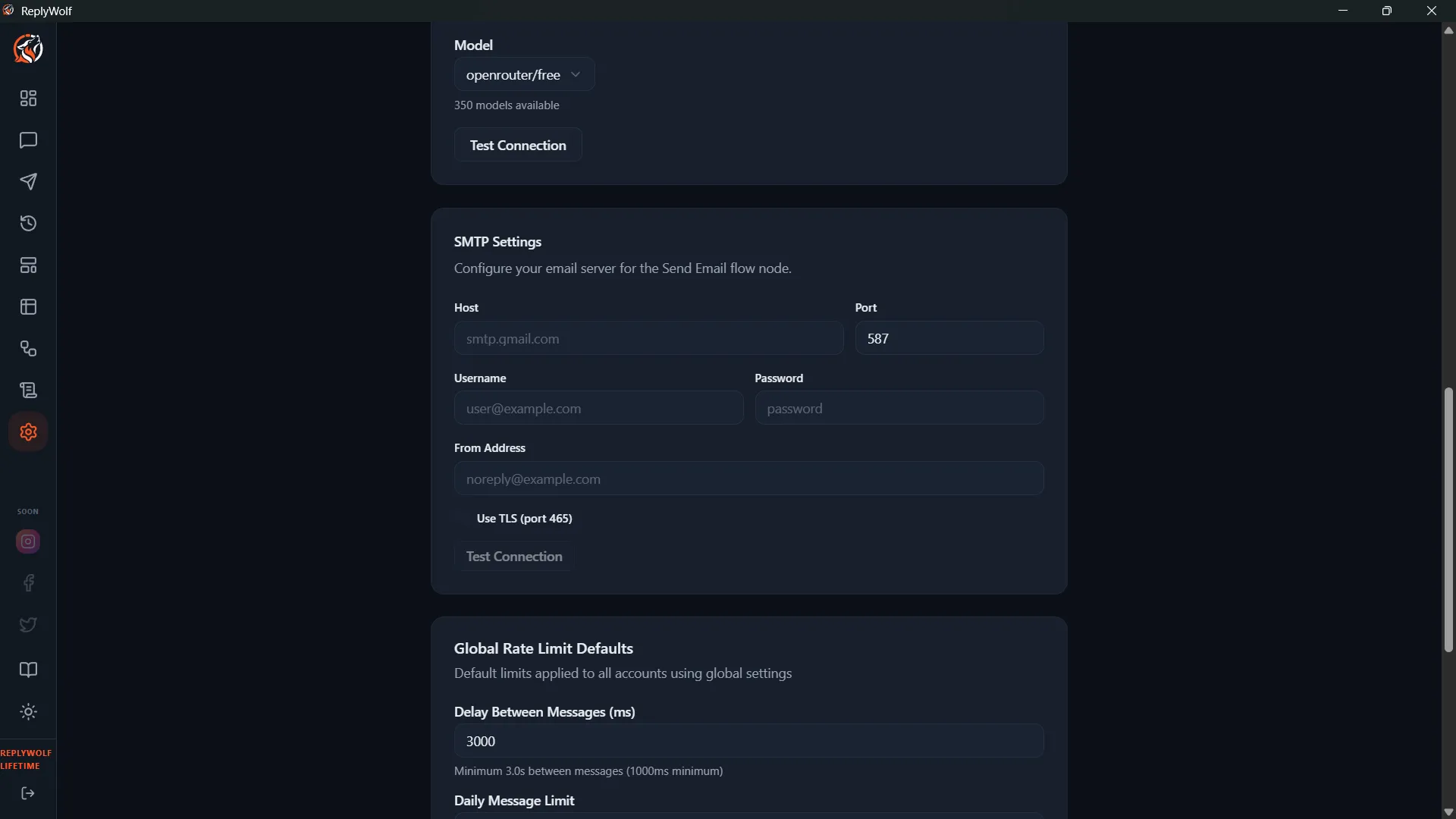
Before using this node, you need to configure your SMTP settings on the Settings page. The Send Email node uses these global SMTP credentials by default.
Configuration
| Setting | Description |
|---|---|
| To | The recipient email address. Supports {{variable}} templates. |
| Subject | The email subject line. Supports {{variable}} templates. |
| Body | The email body content. Can be plain text or HTML. Supports {{variable}} templates. |
You can also override the global SMTP settings on a per-node basis if you need to send from a different email account.
Variable Support
All three fields — To, Subject, and Body — support {{variable}} templates. This means you can personalize every part of the email with contact data or output from previous nodes.
For example:
To: {{email}}
Subject: New message from {{name}}
Body:
<h2>New WhatsApp Lead</h2>
<p><strong>Name:</strong> {{name}}</p>
<p><strong>Phone:</strong> {{phone}}</p>
<p><strong>Message:</strong> {{incoming_message}}</p>
Use Cases
- Internal notifications — Email your sales team whenever a new lead messages your WhatsApp number.
- Email reports — Send a summary email after a batch of WhatsApp messages completes.
- Multi-channel outreach — Send a WhatsApp message and a follow-up email in the same flow.
- Backup logging — Email yourself a log of important flow events for record-keeping.
Tips
- Make sure your SMTP settings are configured and tested on the Settings page before using this node in a flow.
- Use HTML in the body field for formatted emails with headings, bold text, and links.
- If the
{{email}}field is empty for a contact, the node will fail for that contact. Make sure your table has email addresses populated for contacts you intend to email. - Common SMTP providers include Gmail (smtp.gmail.com), Outlook (smtp.office365.com), and Amazon SES. Check your provider's documentation for the correct host, port, and authentication settings.