Filter Contacts
The Filter Contacts node checks whether the current contact matches a set of conditions. Contacts that match go one way; contacts that don't go another.
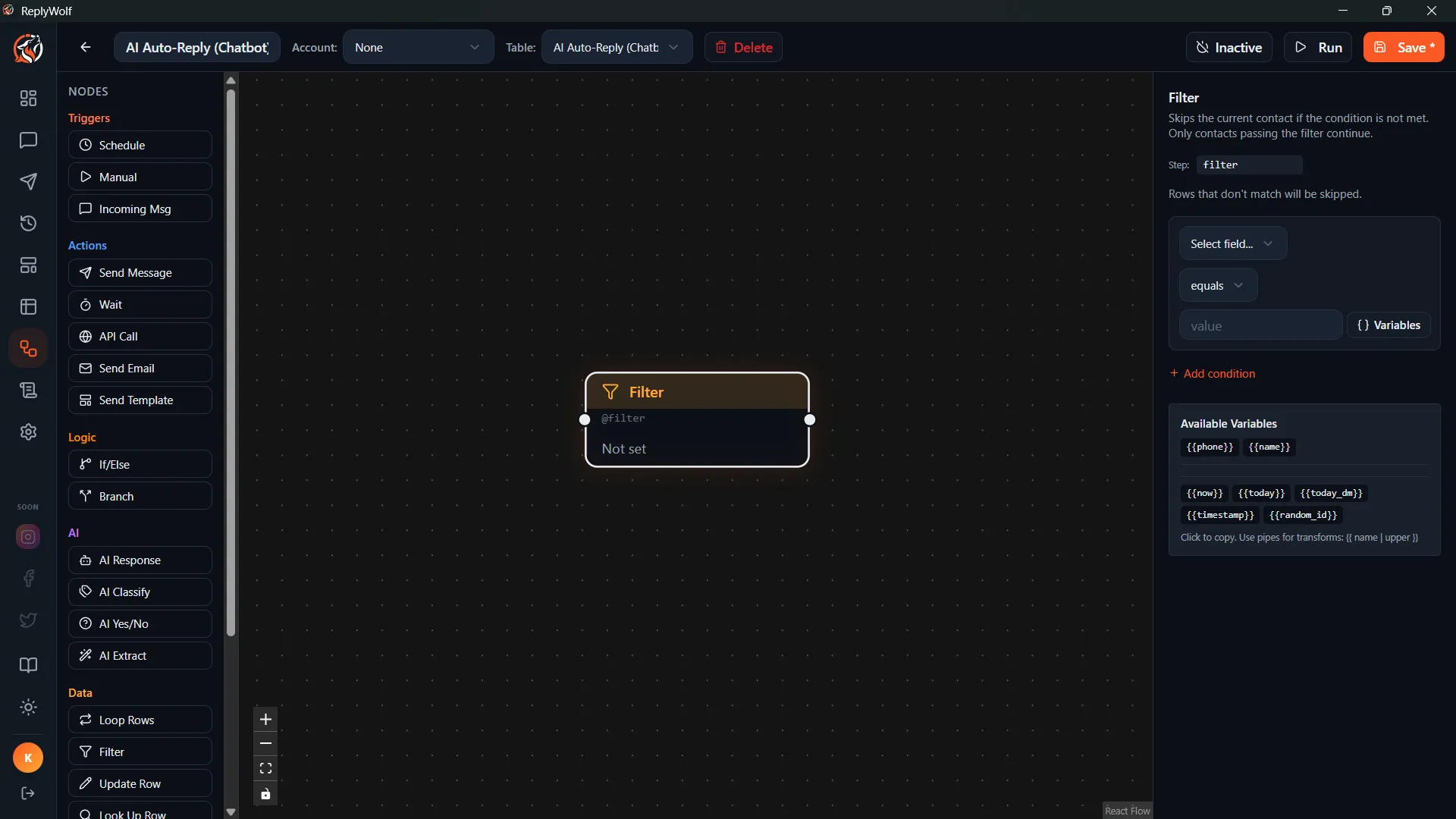
How It Works
- You define one or more conditions.
- The node evaluates them against the current contact's data.
- The flow continues down either the pass or fail output handle.
Configuration
Conditions
Each condition has three parts:
- Field — which contact field to check (e.g.,
status,email,last_contacted) - Operator — how to compare (see the full list below)
- Value — what to compare against
You can add multiple conditions.
Mode
- ALL — Every condition must match for the contact to pass. (AND logic)
- ANY — At least one condition must match for the contact to pass. (OR logic)
Available Operators
| Operator | Description |
|---|---|
equals | Exact match |
not_equals | Does not match |
contains | Field contains the value |
not_contains | Field does not contain the value |
starts_with | Field starts with the value |
ends_with | Field ends with the value |
greater_than | Numeric or date comparison |
less_than | Numeric or date comparison |
not_empty | Field has a value |
is_empty | Field is blank |
regex_match | Matches a regular expression |
in_list | Field value is in a comma-separated list |
between | Value falls between two bounds |
is_true | Boolean field is true |
is_false | Boolean field is false |
Output Handles
- Pass — the contact matched the conditions
- Fail — the contact did not match
Connect different flow paths to each handle.
Use Cases
- Only send to active contacts: Filter where
statusequalsactive. - Skip contacts with no email: Filter where
emailisnot_empty. - Filter by date range: Filter where
signup_dateisbetweentwo dates. - Target specific regions: Filter where
regionisin_listwith value"US, UK, CA".
Tips
- The Filter node works on the current contact — it doesn't load contacts from a table. Use it after a Loop node or an incoming message trigger that already has a contact loaded.
- Use ALL mode when every condition is required. Use ANY mode when you want to match contacts that meet at least one criterion.