Get Chat Messages
The Get Chat Messages node retrieves recent chat history with the current contact. This is how you give AI nodes context about the conversation so far.
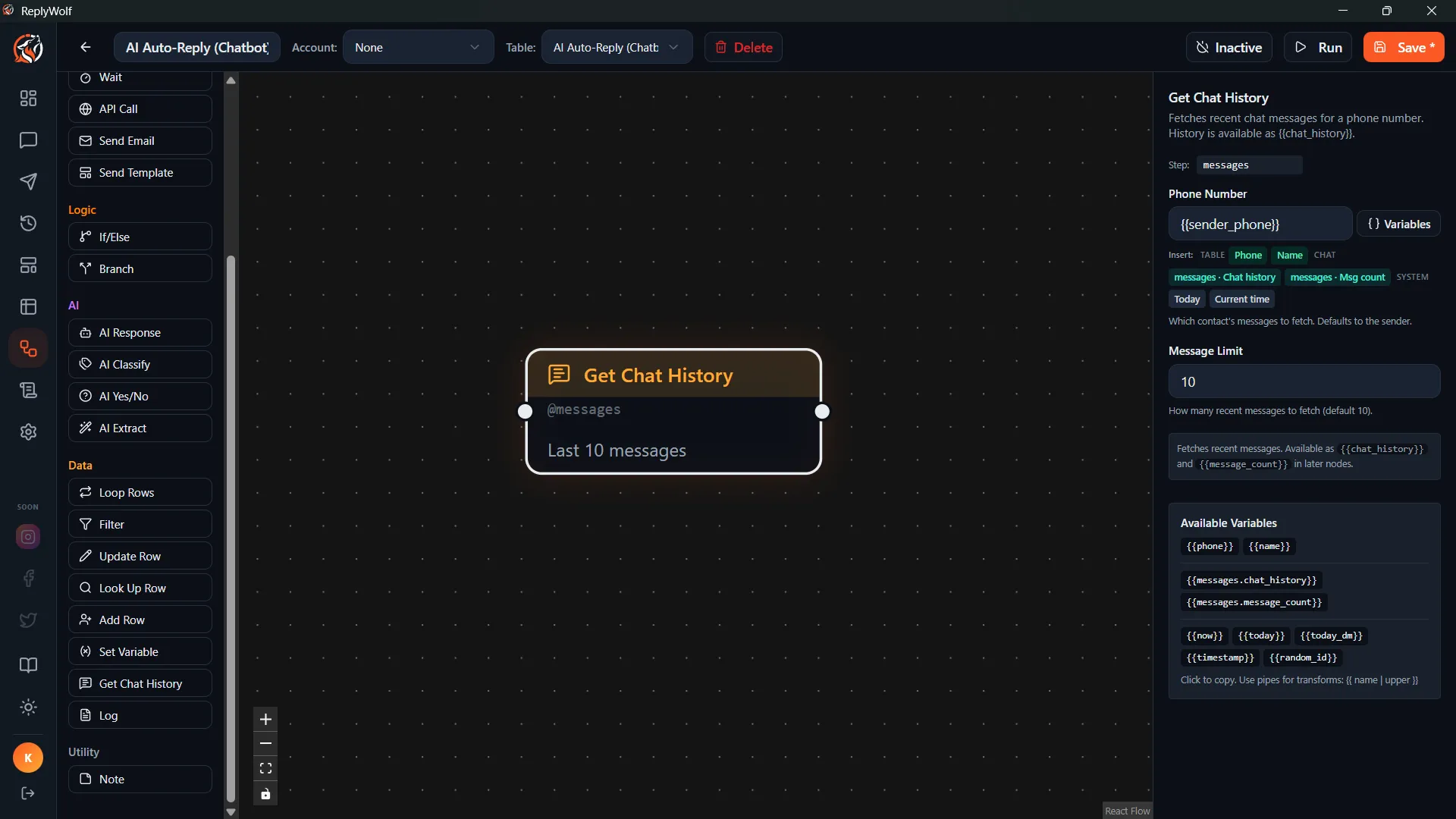
Configuration
Message Limit
How many recent messages to fetch. The default is 10.
Set this higher if you need more context (e.g., for complex conversations), or lower if you want to save tokens and keep AI responses fast.
Output
Chat History
Available as {{chat_history}}, formatted as a readable conversation:
Customer: Hi, I'd like to book an appointment
You: Sure! What day works best for you?
Customer: How about Thursday at 2pm?
You: Let me check availability...
Message Count
The total number of messages retrieved is also available for use in conditions.
Use Cases
Provide Context to AI
The most common use. Place this node before an AI Generate Reply node, then include {{chat_history}} in the user prompt:
Customer {{name}} sent: {{incoming_message}}
Previous conversation: {{chat_history}}
Write a helpful reply.
This helps the AI write replies that make sense in context instead of treating every message as the start of a new conversation.
Check if Customer Already Replied
Use this with an AI Condition node to check things like:
- "Has the customer already responded to our last message?"
- "Has this issue already been resolved based on the chat history?"
Review Before Follow-up
In a scheduled follow-up flow, fetch the chat history first to make sure you're not sending a follow-up to someone who already replied.
Tips
- For most AI tasks, 10-20 messages provides enough context. Going much higher increases token usage without always improving quality.
- This node requires a current contact with a phone number to look up the chat. It works after a Loop node, an incoming message trigger, or a Fetch Contact node.
- Place this node right before any AI node that needs conversation context.